15 comments found.

Last Update 1 May 2024
Is this plugin still active?
When will the new plugin be ready? I really need image generation when creating a post.
Man, WPOrg is taking hell lot of time like says 14 days until reviewed. So so sorry gem for the delay.
No sale?
We are working on a better version of WPThumbify, which you will be able to download from the official WordPress directory.
We are bringing new features and making it much better, so sorry no sale this time.
I didn’t get the impression that there are plans to generate a cover image when a new post is created. am I wrong?
We are working on a better version for WPThumbify, which you will be able to download from the official Wordpress directory. That version will have a feature to generate feature image a new image when a post is created.
Will be live next week.
Hey i have purchased the plugin but facing blank screen in bulk generation page bulk thumbify – i have included screenshot of the same
https://prnt.sc/r9cPu97T67roHey Shrenu, please open a ticket from our website and do let us know if the issue fixed or not: wpthumbify.com
Hi,
We have raised the ticket. Please look into that and help
Thanks & Regards
any update? it’s been long
any plans to update with some new features?
Do tell us what new features would you like to get Shren. We might be updating it with new features in the coming months.
you can integrate ai dall e 2 etc which can give other options to users – some posts might need
2. Preset designs can be added
also one pre sale question – will this plugin add featured image in my future posts automatically?
Installing plugin from uploaded file: codecanyon-dpBPlghR-wpthumbify-bulk-feature-image-generator.zip Unpacking the package…
Installing the plugin…
There has been a critical error on this website. Please check your site admin email inbox for instructions.
Learn more about troubleshooting WordPress. when i try to install the plugin. i get this error. not sure how i can fix this
Hey Suraj, we got your support ticket and we are on it. You can answer us via the raised ticket.
If I’m not happy with the product, will i get my refund?
Hey, sorry the product is non refundable. Before you buy, you can try our product using the demo above or watch the Arcade on our website.
Hi, Thank you very much for making an awesome plugin. I have 2 queries about making SEO friendly thumbnails:
1. In Alter text showing “You are currently viewing ” + Post title. How Can I remove “You are currently viewing” and show the full post title? Also If I want my specific alt text how can I set that?
2. How can I manage the thumbnail file name for each post? Because it’s not good practice to use 1 file name for all posts.
Reference: https://prnt.sc/DvPzmyBFntPn
Thanks in Advance
The alt text will not have “You are currently viewing .” By default it will take your post title, might be some other reason because of which the demo alt shows that. To answer to second one, an image name will also by default be the post title which means, all file names for all posts will be different.
Hello. I really like your idea. But I am looking for a plugin that can add the customer’s name to the event invitation. For example: I will create a page domain.com/event-16-06-2024, the event invitation photo will be added by default. When my staff accesses the page domain.com/event-16-06-2024, they just need to enter the customer’s name attending the event. The plugin will automatically add the Customer’s name to the designated position on the invitation photo, and allow quick image export. I have not found any plugin with such function yet, I hope you can be interested in the idea.
Hey Thupro, for now we don’t have this feature, but you can really check out our live demo or documentation to find out if there’s a way of doing something similar with WPThumbify.
It was 29$ , now 39$. Could you discount it for the launch for a while?
Thanks for your comment!
We increased the price to $39 to keep offering you a top-notch plugin without ads or extra costs.
This helps us keep the plugin updated and working well for everyone.
Thanks for sticking with us and we hope you’ll understand!
Everything is good. But the template do not have background color, padding of text for the post title and free text element.
Hey Sonclassic, you can check out the Live Demo + Arcade, it has Background Color, Paddings, + Free text element.
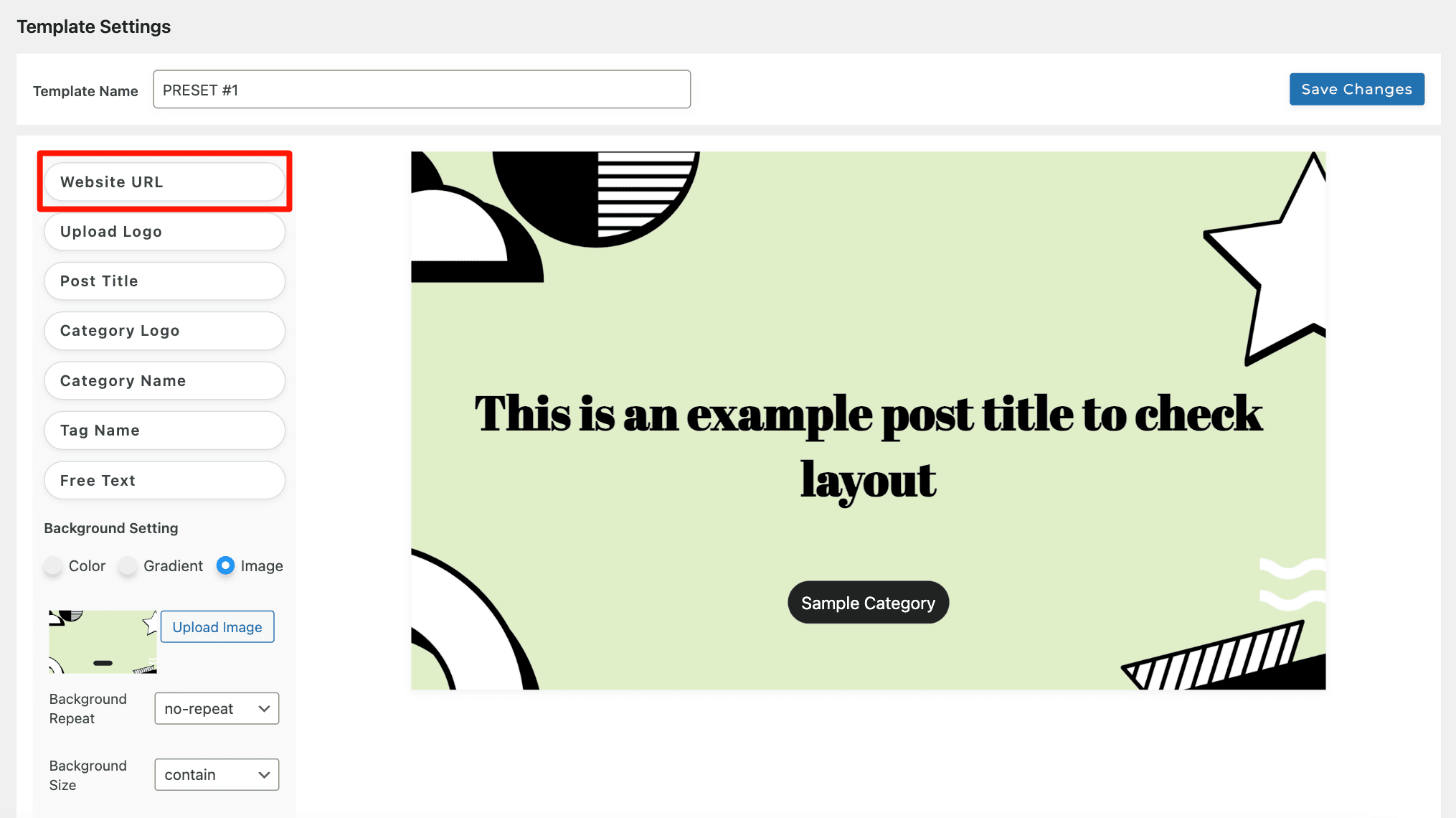
Here’s the screenshot: https://wpthumbify.com/wp-content/uploads/2024/04/website-url.png
Here’s our documentation to check out more: https://wpthumbify.com/documentation/
I mean background color for the free text element or post title. Example: https://mantrabrain.com/blog/wp-content/uploads/2022/06/watermark-plugin.png You see the background is white , the text is black. padding is seem 10px.
Will surely add these features in the next update. Thanks for your request. Feature requests from our customers will make this plugin much better than what it really is right now
Nice! It also great if you can allow using featured image from each post for the background (dynamic). Sometimes user only need add overlay text to their featured images.
Sure. Looking forward to you getting and trying our plugin whenever you like. Would be bringing changes to it soon!!!
the plugin isn’t working properly please check, it making the images with white bg even when selecting an image in the plugin preset. https://prnt.sc/WD71AkfQmZYF
Yes we are using InstaWP as our demo site, we are facing an issue from their site and working on it so sorry for the inconvenience sir. Please check our Arcade here: https://wpthumbify.com/#anchor
The issue has been fixed, you can see the demo now!
Yeah! it’s working fine now.
Thanks!
aha, the price increased.
Oops..but thanks for getting the product. We would love it if you could drop your review 
Wanted to clarify something before purchasing, Would I be able to remove my featured images? Also tell me what if i want to generate images on posts which do not have a featured image? Does this plugin works on OceanWP, Astra and Kadence?
Hey Riya, yes you can remove featured images in bulk from your blog post in just a click with options to bulk remove through category selection, individual posts.
We have tested our plugin on major themes so yes WPThumbify works on themes like Kadence, OceanWP and more. Additionally you can generate featured images for posts individually also.
Hello,
Just a few questions before buying.
1. This plugins generate featured images like AUTO FEATURED IMAGE WP plugin in 1 click using post title. 2. What’s the post title limit. If the post title is more than the specific characters then it will generate a featured image with the number of characters mentioned or it will skip the post. 3. What’s the server load it will take for a website having 30k+ plus posts. 4. Is this plugin works with WP Multisite?
Hello,
Thank you for your interest in WPThumbify! Here are the answers to your questions:
1. Featured Image Generation: Yes, WPThumbify can automatically generate featured images in just one click, in a much smoother way than AUTO FEATURED IMAGE WP plugin, using the post title. You get 6 preset designs choose any and generate per post, all posts at once or for posts that does not have images.
2. Post Title Limit: There is an option to set a character limit for post titles. If a post title exceeds this limit, the plugin will truncate the title and append ellipses (three dots) to indicate that the title has been shortened.
3. Server Load: While specific metrics on server load for 30,000+ posts are not currently available, tests on a dataset of 2,000 posts showed minimal impact.
4. Compatibility with WP Multisite: We don’t have the specific information regarding WP Multisite compatibility at this moment. But we don’t think it will be an issue.
Can you please confirm if this works with the WP multisite? Also is there any online live demo where I can check the plugin functions?
Yes the demo is available but our staging site is having some issues. Still you can check out by clicking live Preview option. WPThumbify is designed following WordPress’s standard plugin development practices so you’ll not come into any issues with Multi Site.
I am interested in it. But want to check the live demo. Please share the info in personal message if you can share the details.
Here’s our live demo: https://app.instawp.io/launch?t=wpthumbify-demo-site&d=v2
1. What does this Strictly Apply ? means? https://prnt.sc/PDWnxog7o7Z0 2. What’s the default characters limit? 3. I use system default font like this: -apple-system,system-ui,BlinkMacSystemFont,’Segoe UI’,Roboto,Oxygen,Ubuntu,Cantarell,’Fira Sans’,’Droid Sans’,’Helvetica Neue’,sans-serif!important Is there any way to use system fonts?
I missed one thing. How to set the featured image size?
There’s no option right now to set the featured image size, it has adaptive thumbnail sizing so does not matter what theme you use.
I understand it has adaptive thumbnail sizing, but what about the image optimization then? Would you like to add the option to generate featured image when a publisher save/publish a post?
The image used here is of 1700×1000 and the required size is only 620×364. This will cause the speed optimization issue.
For that we are working on it, you can expect that option too in future. For now you can publish a post and then from our Bulk Thumbify option select the post you just publish and your image will be visible in the post + media library. The images are optimized well and you might also have a cache plugin that might be compressing the images so that will help too.
Please read the documentation you will get all your answers here:
https://wpthumbify.com/documentation/Still, to answer your queries:
- Strictly applying means that your title or whatever element you will add while creating the designing template will be in a strict position like center, left, or right.
- No default character limit, you can customize it as per your need.
- You can use Google fonts for now.
I was interested in buying, but you have updated the price.
I will wait for the sale now.
Sure no problem Jangir. Thanks for your interest
Hey Jangir, our Sale is live ☆
Purchased it now. But getting this error on Generate and Remove feature image page: https://prnt.sc/9jn1a2sOUOqa
Screenshot after tuning on debug mode: https://prnt.sc/Fx2YMy9-kMx2
Hey Jangir, if you’re still getting this error please raise a ticket here: https://wpthumbify.com/support/
At best, we always recommend taking a fresh backup or try to re upload the plugin once again.
sent.
Thanks, expect a response soon!
Does the “Automated Alt-Text Generation” need any APi or credits? All included?
No API is required. Every image generated via WPThumbify will have an alt text, and title for better SEO. You buy the plugin, generate as many images as you want without any credits or coding!!! It’s that simple.
Awesome, thanks!
Welcome Themis!!

This item was featured on CodeCanyon
Contact the Envato Market Help Team